DropDuo for Mac
Apple silicon, macOS 14 Sonoma or later
Check GitHub for available builds.
Mac won't open it? First-launch stepsFiles, folders, photos, links and text, straight across your local network. Pair once. No account, no cloud.
A silent demo. A phone scans the Mac's pairing code and the Mac approves it. A photo dragged onto the Mac lands on the phone, verified. A folder right-clicked in Finder and sent with DropDuo arrives on the phone as a folder. A link shared on Android arrives on the Mac. Transfers stay on the local network, encrypted, with no account.
Share it from Photos or any other app. It lands on your Mac as the original file, not a compressed copy.
Right-click it in Finder and choose Send with DropDuo, or drag it onto the app. Your phone has it a moment later.
Retry an interrupted transfer and it continues from where it stopped. Files appear only after an integrity check.
Send a folder from your Mac and it lands in your phone's Downloads with every subfolder and file inside.
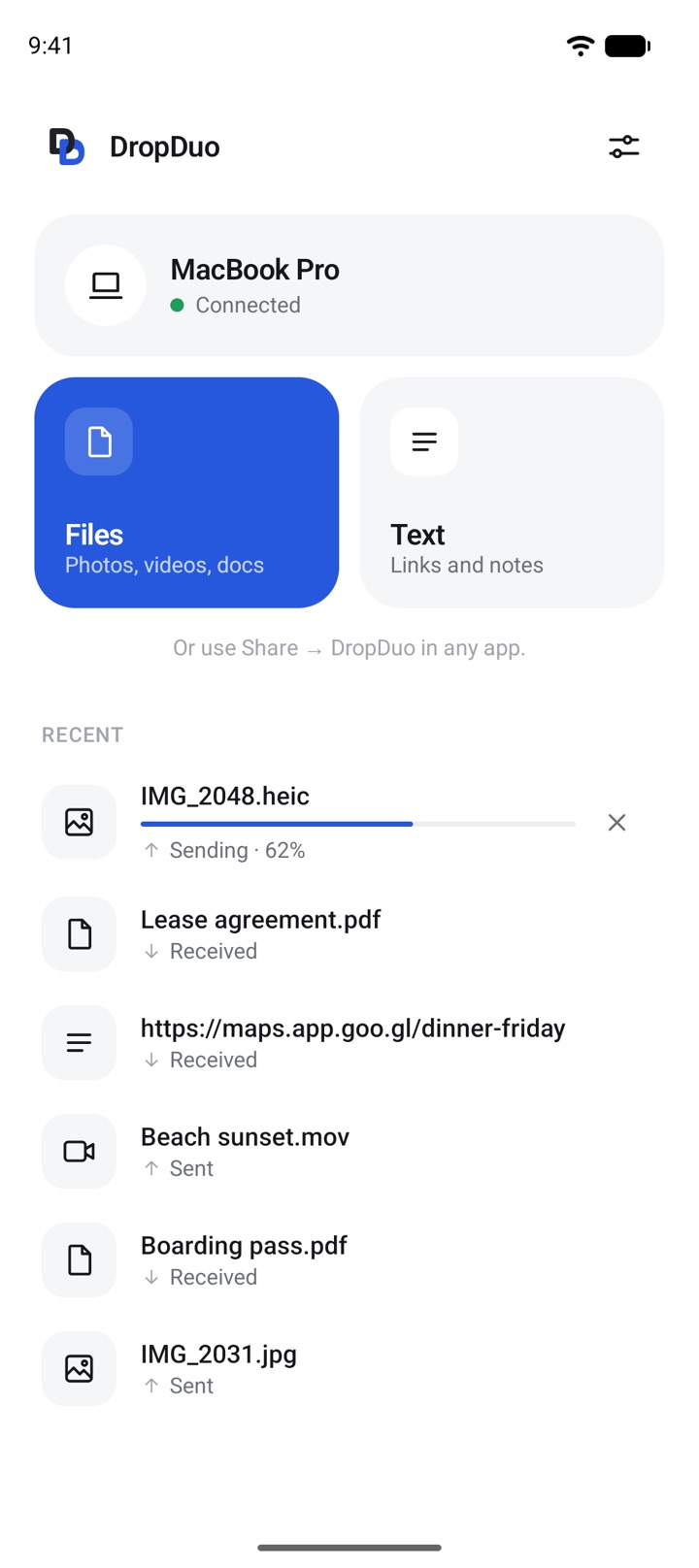
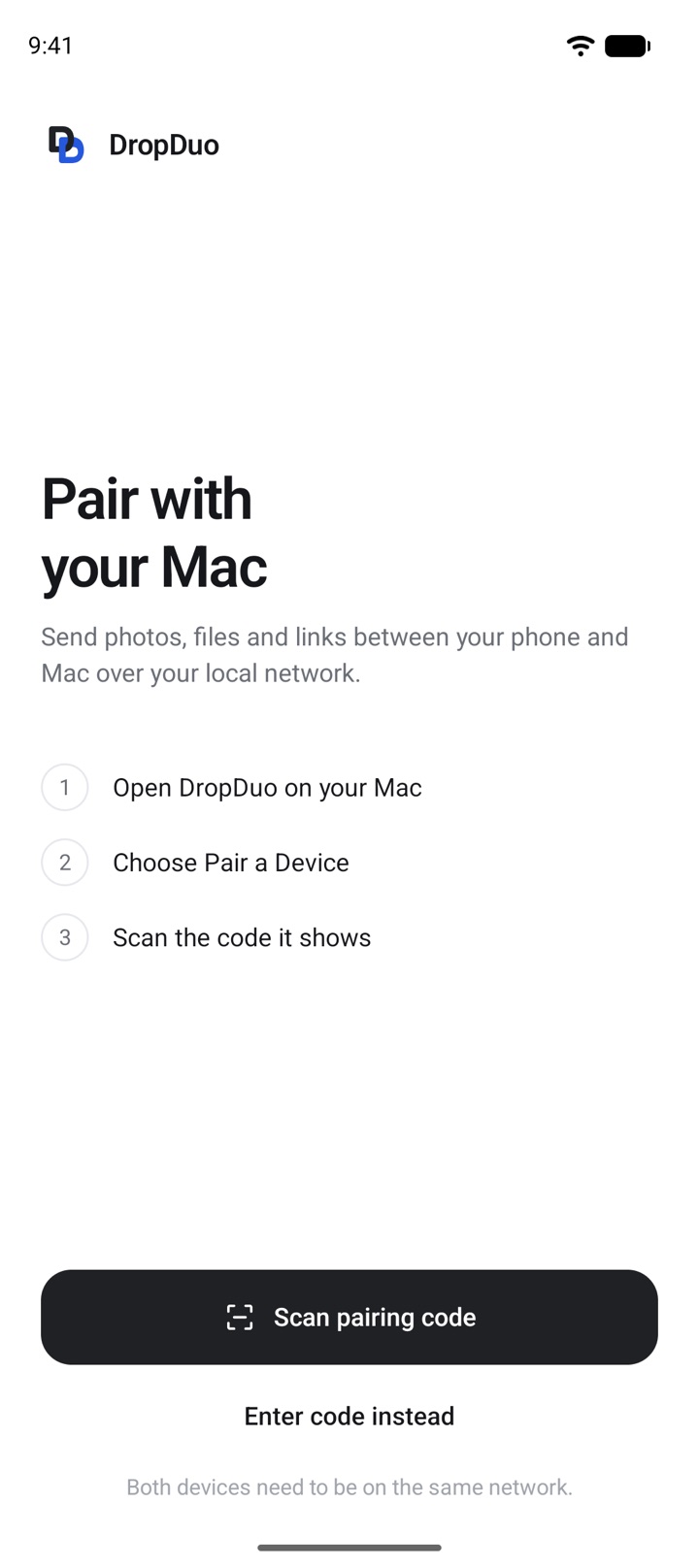
Three steps, done once. After that, both devices remember each other and reconnect on their own.
Choose Pair a device. A short-lived QR code appears.
Both devices need to be on the same network. No codes to type, no account to create.
Nothing is trusted until you say so. You can unpair a device whenever you like.
Apple silicon, macOS 14 Sonoma or later
Check GitHub for available builds.
Mac won't open it? First-launch stepsAndroid 10 or later
Scan with your phone to download.Or download the APK
Check GitHub for available builds.
Until it ships, testers can try development builds from GitHub. Watch the repository for new releases.